
Introduction
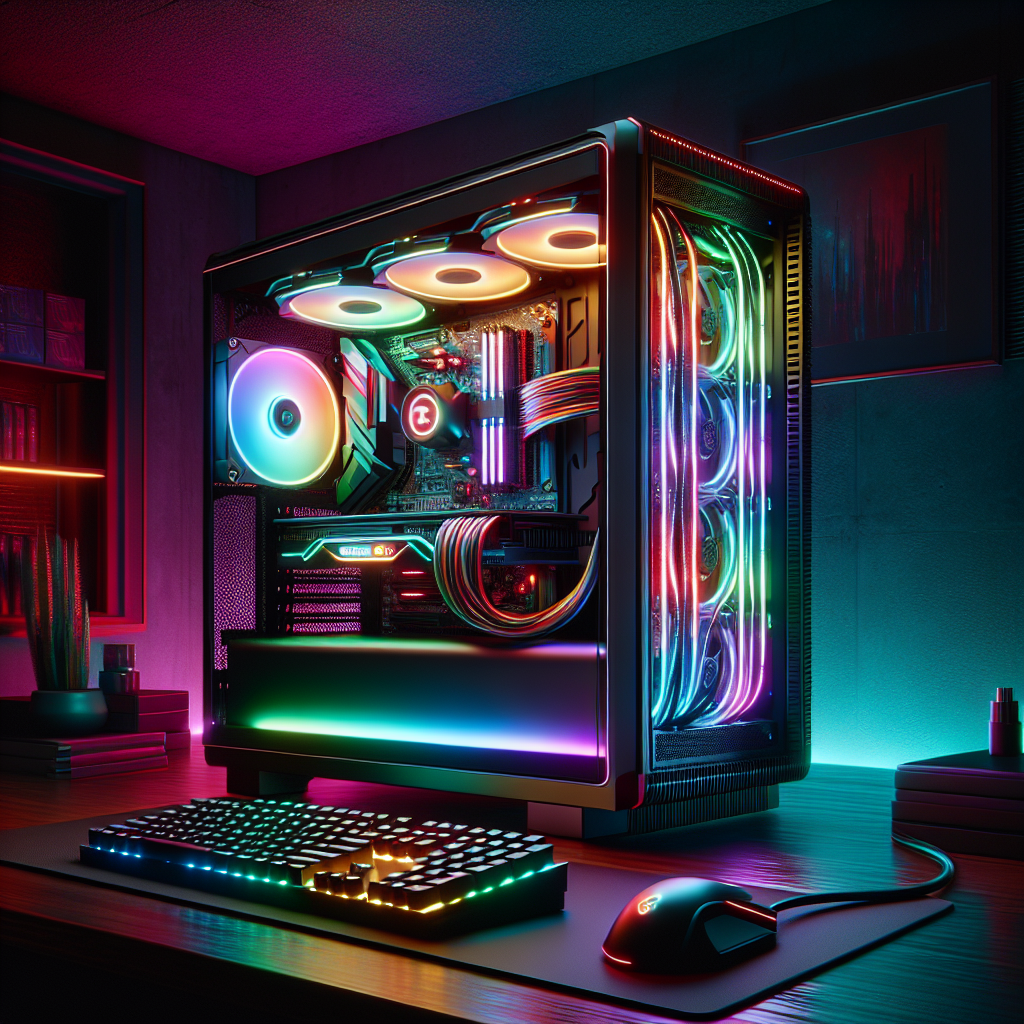
In the ever-evolving world of gaming, having the right setup can make all the difference. Imagine diving into a game with stunning graphics, smooth gameplay, and lightning-fast loading times. That’s the magic of a well-built gaming PC. If you’re wondering how to achieve this, you’re in the right place. This comprehensive guide on Setting Up Your Ideal Gaming PC: High-Performance Components Guide will walk you through each essential component, ensuring you make informed choices for your build.
Building your own gaming rig might seem daunting at first, but with the right guidance, it can be an exciting and rewarding experience. You’ll not only save money but also learn about the different parts involved and how they work together. From selecting a powerful CPU to choosing the right GPU, we’ll break down everything you need to know to create a machine that meets your gaming needs. So, grab a coffee, and let’s get started!
Choosing the Right CPU
The CPU, or central processing unit, is often referred to as the brain of your gaming PC. It processes all the instructions from your games and applications. Selecting the right CPU is crucial because it can significantly affect your gaming performance. When considering your options, you’ll typically find two leading brands: Intel and AMD.
Intel CPUs are known for their strong single-core performance, making them excellent for games that rely heavily on faster clock speeds. On the other hand, AMD has made waves with its Ryzen series, which offers more cores and threads at competitive prices. For gaming, aim for at least a quad-core processor, but six or eight cores will future-proof your build. Popular choices include the Intel Core i5 or the AMD Ryzen 5, both of which deliver exceptional performance without breaking the bank.
Important Features to Consider
When selecting a CPU, consider the following features:
- Core Count: More cores can help with multitasking and future games.
- Clock Speed: Higher speeds mean better performance in CPU-heavy tasks.
- Compatibility: Ensure your CPU is compatible with your motherboard socket type.
Graphics Card Selection
The graphics card is arguably the most significant component for gamers. It directly impacts the visual quality and frame rates of your games. When setting up your ideal gaming PC, think of the GPU as the heart of your gaming experience. For this, you’ll want to consider both performance and value.
NVIDIA and AMD dominate the graphics card market, with NVIDIA’s GeForce RTX series and AMD’s Radeon RX series being the top contenders. When choosing a GPU, look for models that support ray tracing and have ample VRAM. A minimum of 6GB of VRAM is recommended for most modern games.
Factors to Keep in Mind
Here are key factors to consider when choosing a graphics card:
- Performance: Check benchmarks for your favorite games to ensure compatibility.
- VRAM: More VRAM can help with higher resolutions and textures.
- Power Supply Requirements: Ensure your PSU can support the GPU.
Motherboard Basics
The motherboard is the backbone of your PC. It connects all your components and allows them to communicate. When choosing a motherboard, you’ll want to consider the chipset and features it offers. For gaming, look for support for overclocking, enough PCIe slots, and good RAM compatibility.
Popular motherboards include the ASUS ROG and MSI Gaming series. Ensure it has the right socket for your CPU and supports the RAM speed you intend to use. Additionally, having multiple USB ports and good audio outputs can enhance your gaming experience.
Motherboard Features to Evaluate
Here are some features you should evaluate:
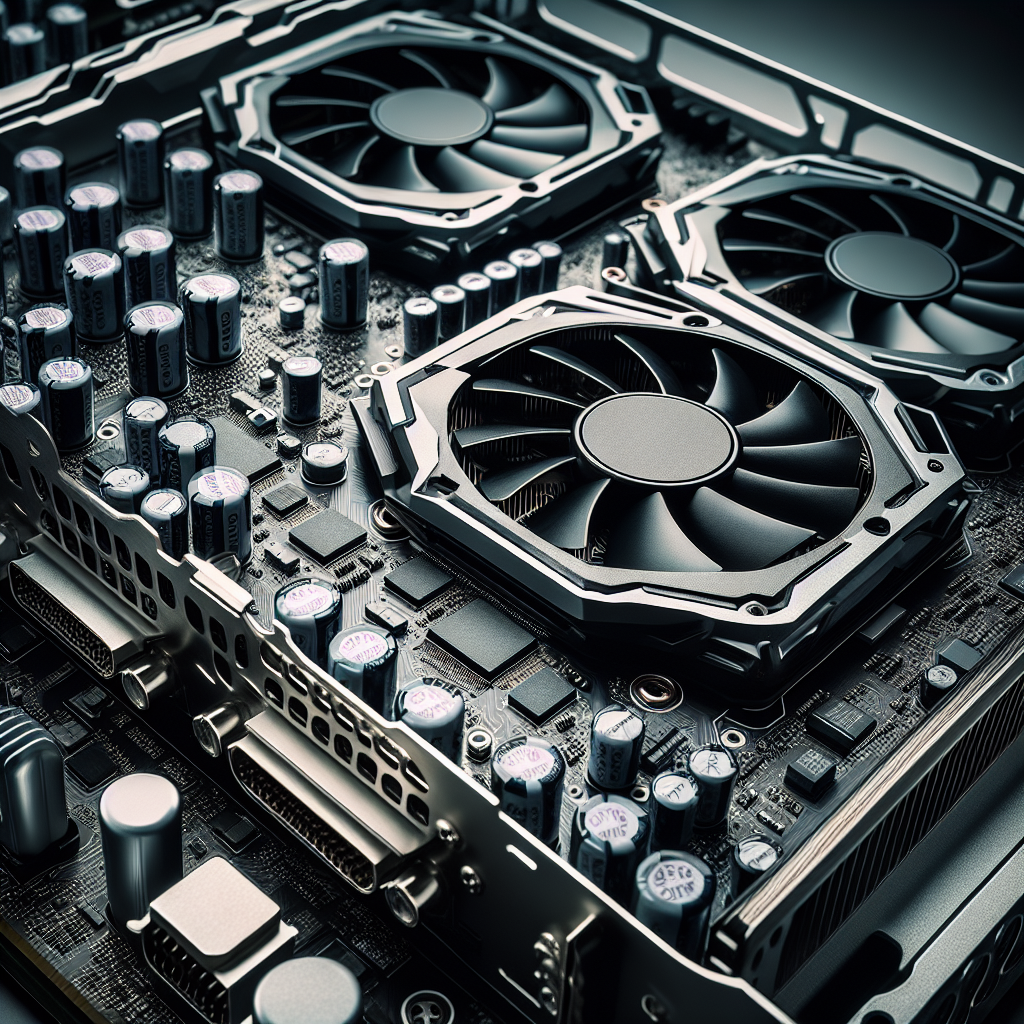
- Form Factor: Ensure it fits your case (ATX, Micro ATX, etc.).
- RAM Slots: More slots allow for easier upgrades.
- Connectivity: Look for USB 3.0, Thunderbolt, and Wi-Fi capabilities.
RAM: The Unsung Hero
RAM, or random access memory, is another critical component in your gaming PC. It temporarily stores data your CPU needs to access quickly. For gaming, 16GB is generally considered the sweet spot, but 32GB is ideal for multitasking or streaming. Opt for DDR4 RAM with a higher speed rating, like 3200MHz, to ensure smooth performance.
When setting up your ideal gaming PC, consider getting a dual-channel kit (two sticks of RAM) to boost performance. This setup improves bandwidth and speeds up processing times, enhancing gaming experiences.
Choosing RAM Wisely
Here are some tips for selecting RAM:
- Capacity: 16GB is a solid choice for gaming; 32GB if you multitask heavily.
- Speed: Aim for at least 3200MHz.
- Brand Reliability: Stick to reputable brands like Corsair or G.Skill.
Storage Solutions
When it comes to storage, you have two main types: HDD (hard disk drive) and SSD (solid-state drive). SSDs are faster, leading to quicker boot times and reduced loading screens, making them ideal for gaming. A combination of both is often best—use an SSD for your operating system and favorite games and an HDD for larger files and backups.
Modern NVMe SSDs are even faster than traditional SSDs and connect directly to the motherboard, offering exceptional speeds. Aim for at least a 500GB SSD alongside a 1TB HDD for adequate storage.
Storage Recommendations
For optimal performance, consider the following:
- SSD Size: 500GB is a good starting point.
- HDD Size: 1TB is standard for additional storage.
- Speed: NVMe SSDs are faster than SATA SSDs.
Power Supply: The Lifeblood of Your PC
Your power supply unit (PSU) is crucial for providing stable power to your components. A good PSU ensures that your system runs smoothly and protects against power surges. Look for a PSU rated at 80 Plus Bronze or higher for efficiency.
When selecting a PSU, consider the wattage your system requires. A good rule of thumb is to add up the wattage of all your components and add an extra 20% for headroom. If you plan to upgrade in the future, consider a higher wattage unit to accommodate additional components.
Power Supply Tips
Here are some tips for selecting a PSU:
- Wattage: Ensure it meets or exceeds your component needs.
- Efficiency Rating: Look for 80 Plus Bronze or higher.
- Modularity: Consider a modular PSU for easier cable management.
Cooling Solutions
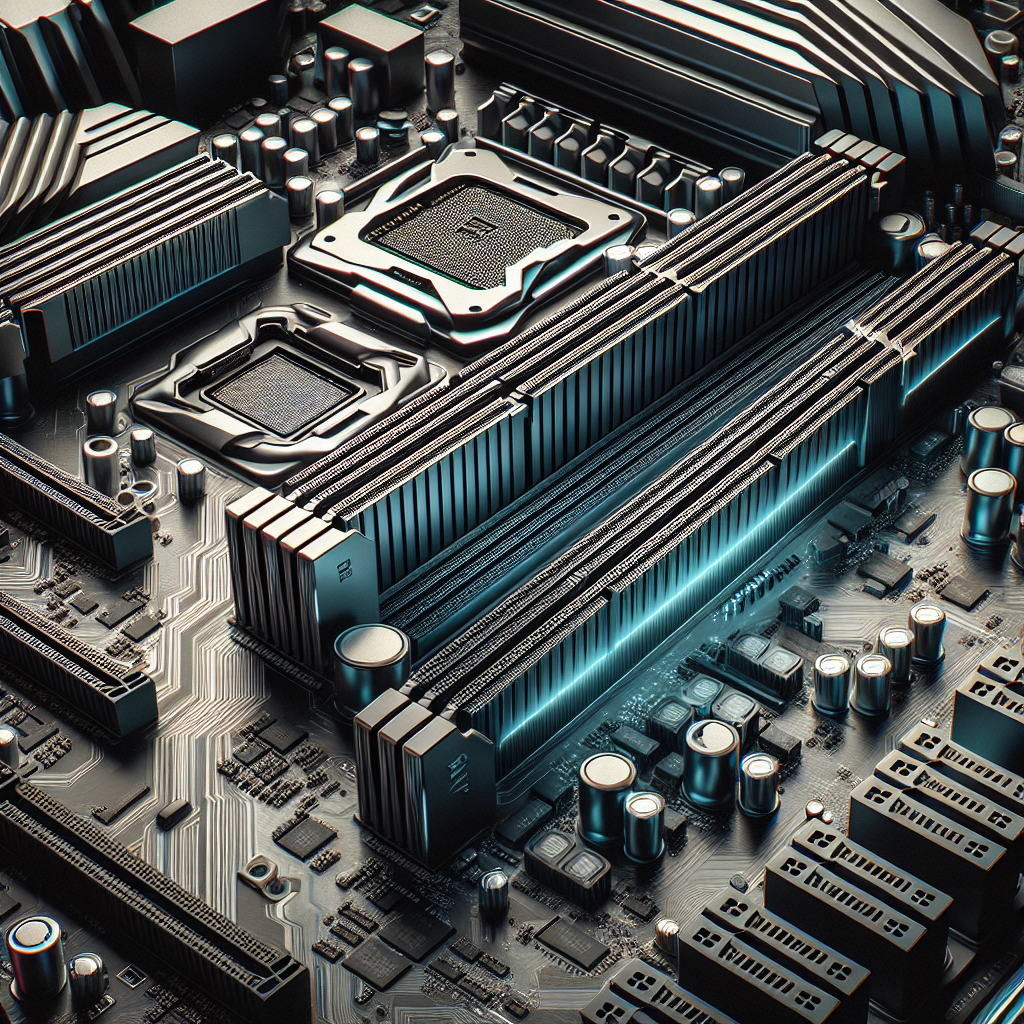
Heat management is vital in maintaining performance, especially during long gaming sessions. Depending on your CPU and GPU, you may need additional cooling solutions. Stock coolers that come with CPUs are often adequate for casual gaming, but for overclockers or those wanting quieter performance, aftermarket coolers are recommended.
Consider liquid cooling systems for high-performance setups. They provide superior cooling and are often quieter than air coolers. However, they can be more complex to install and maintain. Air coolers, on the other hand, are generally easier to install and require less maintenance.
Cooling Considerations
When selecting a cooling solution, keep these points in mind:
- Cooling Type: Decide between air and liquid cooling.
- Noise Levels: Consider quieter options if noise bothers you.
- Size: Ensure it fits in your case.
Case Selection
Your gaming PC’s case is not just about aesthetics; it also affects airflow and cooling. When setting up your ideal gaming PC, choose a case that fits your components comfortably and allows for good airflow. Look for cases with multiple fan mounting options and cable management features.
Popular brands include NZXT, Corsair, and Fractal Design, each offering a variety of styles and features. Consider a case with tempered glass panels if you want to showcase your build. Also, ensure it has enough space for future upgrades.
Case Features to Evaluate
Here are some essential case features to consider:
- Airflow: Look for cases with mesh panels for better cooling.
- Size: Ensure it fits your motherboard type.
- Expansion Slots: Check for enough space for future upgrades.
Conclusion
Building your gaming PC can seem like a daunting task, but with the right knowledge, it can be a rewarding endeavor. By following this guide on Setting Up Your Ideal Gaming PC: High-Performance Components Guide, you can make informed decisions about each component. From the CPU and GPU to the cooling solutions and case, every part plays a vital role in your gaming experience.
Remember, your ultimate goal is to create a system that not only meets your current gaming needs but also has the potential for future upgrades. Take your time, do your research, and enjoy the journey of building your ideal gaming rig!
FAQs
1. How much should I spend on a gaming PC?
Your budget will depend on your gaming needs. For a decent mid-range system, expect to spend around $800 to $1200.
2. What components should I upgrade first?
Typically, upgrading your GPU or adding more RAM provides the most immediate performance boost.
3. Is it worth building my own gaming PC?
Absolutely! You’ll save money and learn about your system, which can be helpful for future upgrades.
4. How often should I clean my gaming PC?
It’s good practice to clean your PC every few months to prevent dust buildup and overheating.
5. Can I use my gaming PC for tasks other than gaming?
Yes! A gaming PC is excellent for video editing, graphic design, and even casual browsing.